Text Diff — Free Online Tool

Text Diff — Free Online Tool

Quick Answer

Open Text Diff and get what you need instantly. Free. No signup. No download. Everything stays in your browser.

**What is Text Diff?** Text Diff is a free online tool that compares two versions of a text and highlights the differences between them. It is an indispensable tool for anyone who needs to track changes in the text. Its operation is very simple: users only have to insert the two text versions into the fields provided for it. **How does it work?** Once the texts are entered, the tool analyzes the two versions and highlights the changes. At a glance, users can see what has been added, removed or changed. This feature allows them to quickly and efficiently detect the differences between the two texts. **Application cases for developers** Developers can use Text Diff to track changes in code or documentation. Especially in teamwork or in project editing, this is of great benefit. By comparing different code versions, developers can quickly identify and fix errors. This allows them to optimize their work processes and save time. **Application cases for authors and editors** Authors and editors can also benefit from Text Diff. They can use the tool to compare revisions of articles or documents to ensure that their quality meets their working standards.

Text Diff tool interface
Text Diff at Scoreroute
Text Diff tool interface
Text Diff at Scoreroute
Text Diff tool interface
Text Diff at Scoreroute

Frequently Asked Questions

Is this tool really free?

Answer: Yes. No credit card, no trial, no premium upsells. Free now and free forever.

How is it different from other similar tools?

Answer: Privacy. Everything happens in your browser. Your data never leaves your device. Most competitors upload your data to their servers.

Do I need to create an account?

Answer: No. Open the page and start. No email, no password, no signup required.

Related Free Tools at Scoreroute

Use Text Diff now — free and instant.

The tools.scoreroute.com platform adds new developer tools regularly. All tools are free, browser-based, and private. Updated 2026.
Jwt Decoder — Free Online Tool

Jwt Decoder — Free Online Tool

Quick Answer

Open Jwt Decoder and get what you need instantly. Free. No signup. No download. Everything stays in your browser.

The Jwt decoder is a useful tool for the analysis of JSON Web Tokens, which supports developers and security experts in their work. Decoding and checking of token data can ensure the integrity of the token, which in turn confirms the validity of the token. This allows developers to reduce their working time by quickly and efficiently checking token data. The advantages of the Jwt decoder lie in its easy handling and fast data decoding, which makes it a valuable tool for development. Another advantage is the secure token inspection, where errors are detected and properly handled to prevent security problems. Overall, the Jwt decoder simplifies token debugging and verification, which greatly facilitates the work of developers. For a simple token analysis, the Jwt decoder can be tested at https://tools.scoreroute.com/tools/jwt decoder/.

Jwt Decoder tool interface
Jwt Decoder at Scoreroute
Jwt Decoder tool interface
Jwt Decoder at Scoreroute
Jwt Decoder tool interface
Jwt Decoder at Scoreroute

Frequently Asked Questions

Is this tool really free?

Answer: Yes. No credit card, no trial, no premium upsells. Free now and free forever.

Do I need to create an account?

Answer: No. Open the page and start. No email, no password, no signup required.

How is it different from other similar tools?

Answer: Privacy. Everything happens in your browser. Your data never leaves your device. Most competitors upload your data to their servers.

Related Free Tools at Scoreroute

Use Jwt Decoder now — free and instant.

The tools.scoreroute.com platform adds new developer tools regularly. All tools are free, browser-based, and private. Updated 2026.
Regex Tester — Free Online Tool

Regex Tester — Free Online Tool

Quick Answer

Open Regex Tester and get what you need instantly. Free. No signup. No download. Everything stays in your browser.

The Regex Tester is an online tool that helps developers, programmers and QA engineers to test and validate regular expressions (regex). It is an easy way to improve their own ability to create complex patterns. By using the Regex Tester, users can ensure that their patterns are accurate and reliable. The tool is not limited to professional developers. Anyone who works with text data, strings or programming languages can benefit from the Regex Tester’s features. It is a valuable resource for anyone who wants to improve their ability to handle regular expressions. Another advantage of the Regex Tester is the ability to get instant results. This allows users to quickly detect and fix pattern errors. By real-time viewing the results, developers and programmers can test their Regex patterns against various input strings to make their work more efficient.

Regex Tester tool interface
Regex Tester at Scoreroute
Regex Tester tool interface
Regex Tester at Scoreroute
Regex Tester tool interface
Regex Tester at Scoreroute

Frequently Asked Questions

What if the tool is not working?

Answer: Try refreshing, clearing cache, or switching browsers. Works on Chrome, Firefox, Safari, Edge.

How is it different from other similar tools?

Answer: Privacy. Everything happens in your browser. Your data never leaves your device. Most competitors upload your data to their servers.

Do I need to create an account?

Answer: No. Open the page and start. No email, no password, no signup required.

Related Free Tools at Scoreroute

Use Regex Tester now — free and instant.

The tools.scoreroute.com platform adds new developer tools regularly. All tools are free, browser-based, and private. Updated 2026.
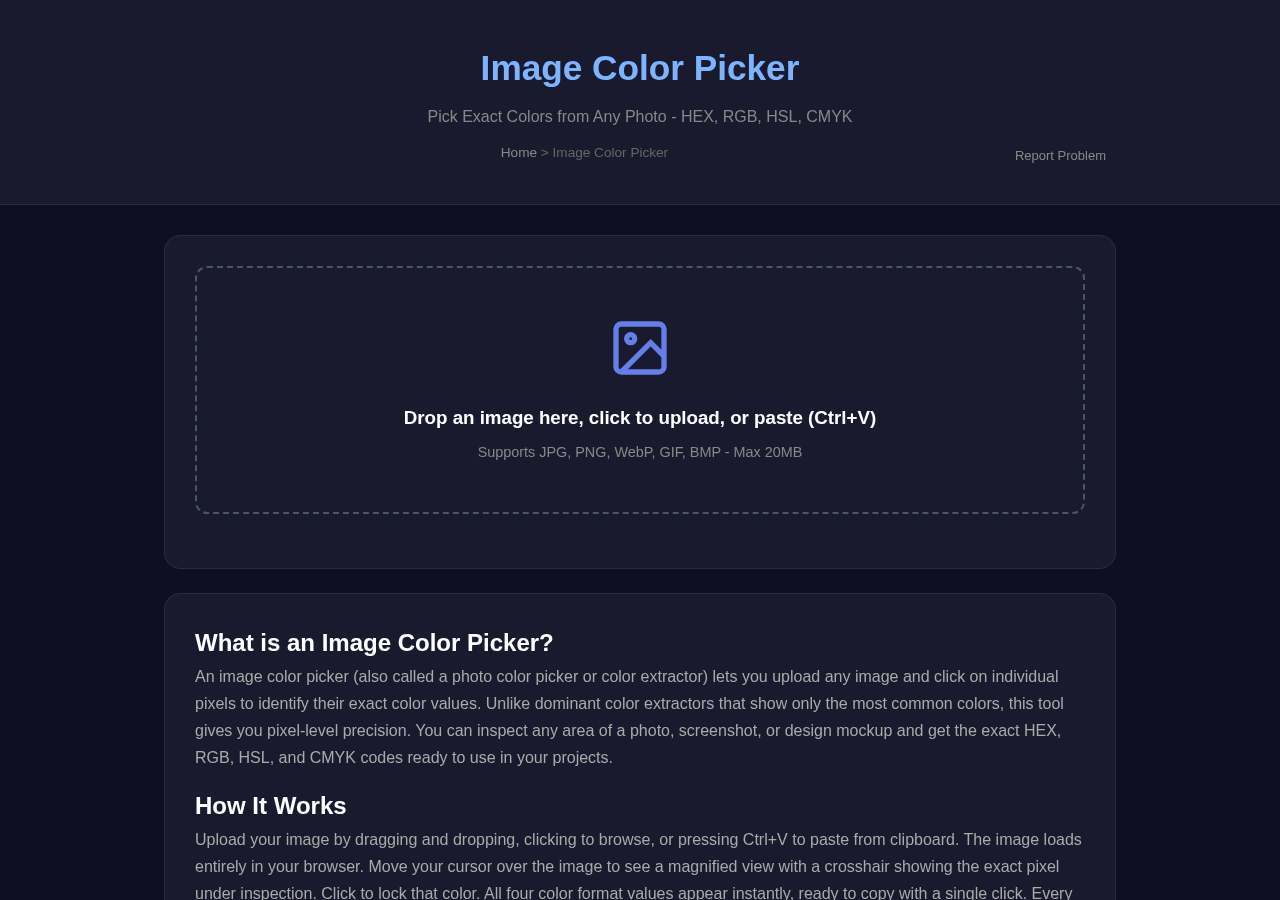
What Is Ip Address Lookup? Check Now (Free)

What Is Ip Address Lookup? Check Now (Free)

Quick Answer

Open Ip Address Lookup and get what you need instantly. Free. No signup. No download. Everything stays in your browser.

The Ip Address Lookup Tool is an indispensable tool for network administrators, as it allows them to identify IP locations and identify ISP details. This information is crucial for network management and helps solve potential problems. But not only network administrators benefit from this tool. Cybersecurity professionals also use it to detect potential threats and prevent cyber attacks. By collecting information about IP addresses, they can stay one step ahead of hackers and better protect their systems. Marketers have also benefited from this tool. By using the Ip Address Lookup tool, they can improve their geotargeting efforts and better understand their audience. This allows them to create more effective marketing campaigns that are specifically targeted at their target audience. Using the tool is easy: Visit the website, enter an IP address and the tool retrieves information about the IP address, including location and ISP. This information is immediately provided so you can make quick and easy decisions. Overall, the Ip Address Tool provides essential benefits for a variety of industries.

Ip Address Lookup tool interface
Ip Address Lookup at Scoreroute
Ip Address Lookup tool interface
Ip Address Lookup at Scoreroute
Ip Address Lookup tool interface
Ip Address Lookup at Scoreroute

Frequently Asked Questions

Is this tool really free?

Answer: Yes. No credit card, no trial, no premium upsells. Free now and free forever.

What if the tool is not working?

Answer: Try refreshing, clearing cache, or switching browsers. Works on Chrome, Firefox, Safari, Edge.

How is it different from other similar tools?

Answer: Privacy. Everything happens in your browser. Your data never leaves your device. Most competitors upload your data to their servers.

Related Free Tools at Scoreroute

Use Ip Address Lookup now — free and instant.

The tools.scoreroute.com platform adds new developer tools regularly. All tools are free, browser-based, and private. Updated 2026.
Speed Test — Free Online Tool

Speed Test — Free Online Tool

Quick Answer

Open Speed Test and get what you need instantly. Free. No signup. No download. Everything stays in your browser.

The speed of your Internet connection is important for anyone who is online. It helps you find out if your Internet service provider (ISP) delivers the promised speeds. This information is crucial for home users, businesses and gamers as it directly affects productivity and the online experience. Using a speed test tool is incredibly easy. By clicking on the “start” button, the tool starts to measure your upload and download speeds as well as your latency. The test itself takes just a few seconds. Once the test is complete, your results will be displayed on the screen. Here is important to understand what the individual values mean. The download speed indicates how quickly data is transferred from the Internet to your device. The upload speed, however, measures how quickly data is sent from your device to the Internet. The latency, also known as ping, is the time that a data package takes to get from your device to a server and back. To work with your speed test results, you should first check that your device’s usage is compatible with I.

Speed Test tool interface
Speed Test at Scoreroute
Speed Test tool interface
Speed Test at Scoreroute
Speed Test tool interface
Speed Test at Scoreroute

Frequently Asked Questions

Do I need to create an account?

Answer: No. Open the page and start. No email, no password, no signup required.

Is this tool really free?

Answer: Yes. No credit card, no trial, no premium upsells. Free now and free forever.

Can I use this on my phone or tablet?

Answer: Yes. The tool works on any modern browser and adjusts to your screen size.

Related Free Tools at Scoreroute

Use Speed Test now — free and instant.

The tools.scoreroute.com platform adds new developer tools regularly. All tools are free, browser-based, and private. Updated 2026.
Screenshot Tool — Free Online Tool

Screenshot Tool — Free Online Tool

Quick Answer

Open Screenshot Tool and get what you need instantly. Free. No signup. No download. Everything stays in your browser.

**Effortless Screenshot Capture and Editing** The Screenshot Tool is a straightforward and efficient online utility that does not specify the process of capturing and editing screenshots. With this tool, you can create visual tutorials, highlight important information in images, or even craft engagement visuals for social media campaigns. Web developers and designers can also leverage it to communicate visual tutorials, highlight important information in images, or even even craft engagement visuals for social media campaigns. Web developers and designers can also leverage it to communicate design ideas or problems effectively. One of the first of the last years of this tool is its user-friendly interface. You don’t need to install software or putssessss extensive extensive design experience. Simply upload your image, make any any necessary edits, and download the result. The tool’s editing capabilities are abableableable quickly and effectively effective, you can have an early upload your image, make any any necessary edit edit, you if if if you: your your: your: your: your:: your: your:: your::: your::::: your:::::::::::::::::::::::::::::::::::::::::::::::::::::::::::::::::::::::::::::::::::::::::::::::::::::::::::::::::::::::::::::::::::::::::::::::::::::::::::::::::::::::: and: and: and: and: and: and:::: and::::::::::: and:: and: and: and: and:: and: and that:::::: and that that that that that that that that that that that that that that that that that that that that that that that that that that that that that that that that that that that that that that that that that that that that that that that that that that

Screenshot Tool tool interface
Screenshot Tool at Scoreroute
Screenshot Tool tool interface
Screenshot Tool at Scoreroute
Screenshot Tool tool interface
Screenshot Tool at Scoreroute

Frequently Asked Questions

Can I use this on my phone or tablet?

Answer: Yes. The tool works on any modern browser and adjusts to your screen size.

What if the tool is not working?

Answer: Try refreshing, clearing cache, or switching browsers. Works on Chrome, Firefox, Safari, Edge.

Do I need to create an account?

Answer: No. Open the page and start. No email, no password, no signup required.

Related Free Tools at Scoreroute

Use Screenshot Tool now — free and instant.

The tools.scoreroute.com platform adds new developer tools regularly. All tools are free, browser-based, and private. Updated 2026.

Image To Text — Free Online Tool

Image To Text — Free Online Tool

Quick Answer

Open Image To Text and get what you need instantly. Free. No signup. No download. Everything stays in your browser.

With the powerful online tool “Image to Text” you can easily extract text from images, scanned documents and photos. Using optical character recognition (OCR) technology allows you to recognize text and convert it into an editable format. This tool is a true time and work saver for anyone who needs to digitize printed or handwritten text – from students and researchers to businesses and individuals. If you need text from a scanned book or want to digitize a photo of a whiteboard, “image to text” can help. Using the tool is very easy. Simply upload your image or enter the image URL, and “image to text” extracts the text for you. This feature is particularly useful for students who need to quote text from images or researchers who need to scan documents. In addition, “image to text” provides enhanced text extraction that ensures greater accuracy and reliability. With this feature, you can make sure that your digitized text is correct and error-free.

Image To Text tool interface
Image To Text at Scoreroute
Image To Text tool interface
Image To Text at Scoreroute
Image To Text tool interface
Image To Text at Scoreroute

Frequently Asked Questions

Can I use this on my phone or tablet?

Answer: Yes. The tool works on any modern browser and adjusts to your screen size.

How is it different from other similar tools?

Answer: Privacy. Everything happens in your browser. Your data never leaves your device. Most competitors upload your data to their servers.

What if the tool is not working?

Answer: Try refreshing, clearing cache, or switching browsers. Works on Chrome, Firefox, Safari, Edge.

Related Free Tools at Scoreroute

Use Image To Text now — free and instant.

The tools.scoreroute.com platform adds new developer tools regularly. All tools are free, browser-based, and private. Updated 2026.

Image Compressor — Free Online Tool

Image Compressor — Free Online Tool

Quick Answer

Open Image Compressor and get what you need instantly. Free. No signup. No download. Everything stays in your browser.

**Optimize images with Image Compressor** The free online tool Image Compressor reduces the file size of images without sacrificing quality. It is particularly useful for web developers, designers, bloggers and marketers who want to customize their images for faster loading times. A major advantage of image compression is improving website speed. Compressed images load significantly faster, which is crucial for any website. Slow loading times can lead to high termination rates and worse search engine rankings. Operation of the Image Compressor is quite simple. Uploading an image, choosing the desired compression level and downloading the compressed image – that’s all. The tool supports various image formats such as JPEG, PNG and GIF. To maintain image quality, Image Compressor uses advanced algorithms. These make sure that image size is reduced without compromising quality.

Image Compressor tool interface
Image Compressor at Scoreroute
Image Compressor tool interface
Image Compressor at Scoreroute
Image Compressor tool interface
Image Compressor at Scoreroute

Frequently Asked Questions

How is it different from other similar tools?

Answer: Privacy. Everything happens in your browser. Your data never leaves your device. Most competitors upload your data to their servers.

Do I need to create an account?

Answer: No. Open the page and start. No email, no password, no signup required.

Is this tool really free?

Answer: Yes. No credit card, no trial, no premium upsells. Free now and free forever.

Related Free Tools at Scoreroute

Use Image Compressor now — free and instant.

The tools.scoreroute.com platform adds new developer tools regularly. All tools are free, browser-based, and private. Updated 2026.
Time Zone Converter — Free Online Tool

Time Zone Converter — Free Online Tool

Quick Answer

Open Time Zone Converter and get what you need instantly. Free. No signup. No download. Everything stays in your browser.

The time zone converter is a useful tool that allows you to convert time across different time zones. This simple time conversion allows you to plan global events with ease. Operation of the tool is very simple: simply select the time zone and the time you want to convert, and immediately get the corresponding times displayed in other zones. Companies use the time zone converter to coordinate meetings with teams in different countries and plan calls, which allows smooth collaboration. Travellers also benefit from this tool as they can plan their journeys and schedules accurately to arrive on time, regardless of the time zone. In addition, the time zone converter for remote teams is an indispensable tool to plan virtual meetings and facilitate collaboration, which in turn increases productivity and efficiency. Available online at https://tools.scoreroute.com/tools/time-zone-converter/, the time zone converter offers a variety of benefits that greatly facilitate global planning. By using it, you can focus on the essential aspects and forget the complexity of the time zone calculation.

Time Zone Converter tool interface
Time Zone Converter at Scoreroute
Time Zone Converter tool interface
Time Zone Converter at Scoreroute
Time Zone Converter tool interface
Time Zone Converter at Scoreroute

Frequently Asked Questions

Do I need to create an account?

Answer: No. Open the page and start. No email, no password, no signup required.

What if the tool is not working?

Answer: Try refreshing, clearing cache, or switching browsers. Works on Chrome, Firefox, Safari, Edge.

How is it different from other similar tools?

Answer: Privacy. Everything happens in your browser. Your data never leaves your device. Most competitors upload your data to their servers.

Related Free Tools at Scoreroute

Use Time Zone Converter now — free and instant.

The tools.scoreroute.com platform adds new developer tools regularly. All tools are free, browser-based, and private. Updated 2026.
Currency Converter — Free Online Tool

Currency Converter — Free Online Tool

Quick Answer

Open Currency Converter and get what you need instantly. Free. No signup. No download. Everything stays in your browser.

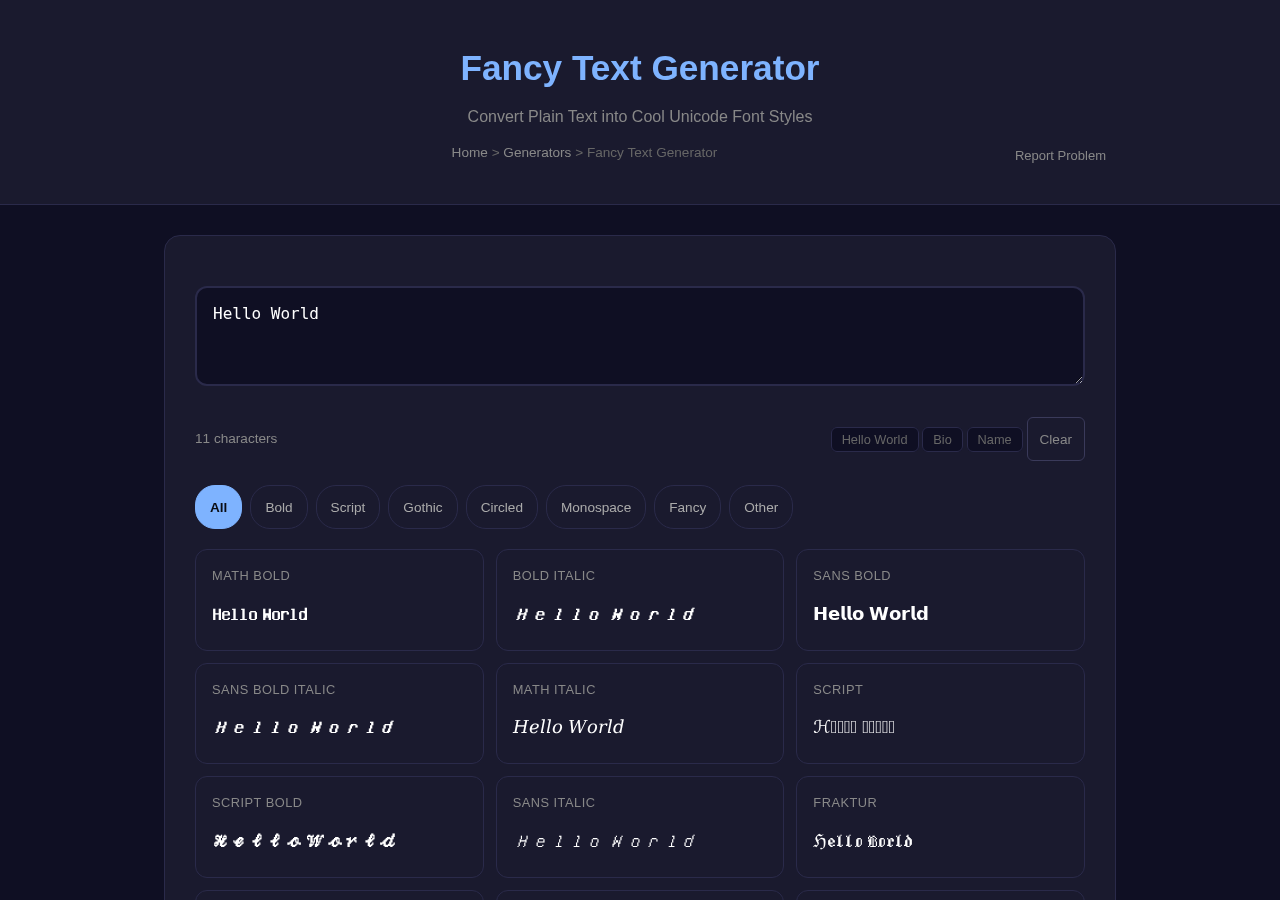
With this tool you can ensure that your conversion rates are accurate and up to date. The user interface of the Currency Converter tool is clear and easy to use, so that even users without technical know-how will have no problems. In order to perform a conversion, you simply have to specify the amount, select the currencies and click on “convert” – the result will appear immediately. The tool is particularly useful for travellers as it allows you to plan your expenses and compare prices. This way you can better prepare your trip and avoid surprises when paying.

Currency Converter tool interface
Currency Converter at Scoreroute
Currency Converter tool interface
Currency Converter at Scoreroute
Currency Converter tool interface
Currency Converter at Scoreroute

Frequently Asked Questions

What if the tool is not working?

Answer: Try refreshing, clearing cache, or switching browsers. Works on Chrome, Firefox, Safari, Edge.

Do I need to create an account?

Answer: No. Open the page and start. No email, no password, no signup required.

Is this tool really free?

Answer: Yes. No credit card, no trial, no premium upsells. Free now and free forever.

Related Free Tools at Scoreroute

Use Currency Converter now — free and instant.

The tools.scoreroute.com platform adds new developer tools regularly. All tools are free, browser-based, and private. Updated 2026.